


Before you leave...
Take 20% off your first order
20% off
Enter the code below at checkout to get 20% off your first order
Welcome to Broad Circuits



Couldn't load pickup availability
Description:
How to complete the first connection with Switch
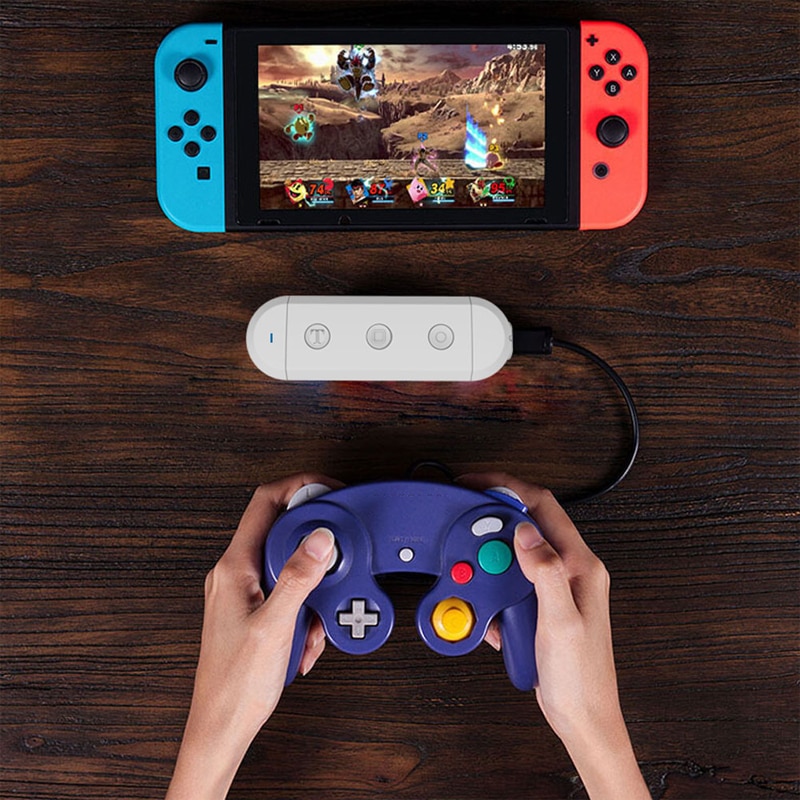
1.Connect your wired controller to the Adapter
2.Go into Nintendo Switch's controller pair settings
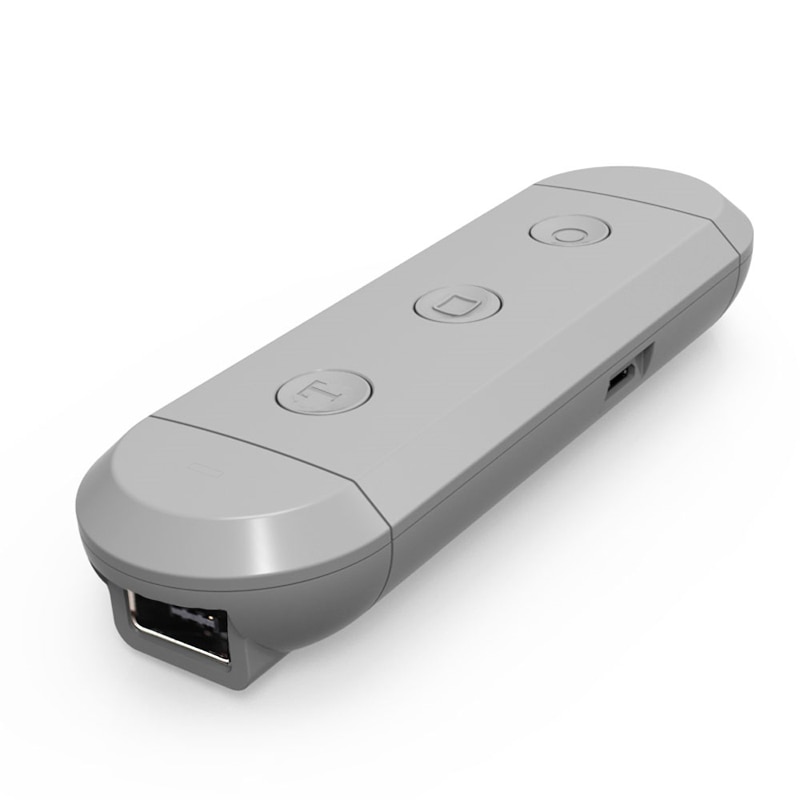
3.Press and hold the [s] button on the side of Adapter,then press [HOME] Button on the Adapter
4.Adapter enter into Pair Mode,LED light should quickly flash
5.LED will become solid when connection is successful
How to wake up your controller on switch
After the controller has completed the first connection, the next time you want play with this controller you should wake up it.
1.Turn on your Switch
2.Connect your wired controller to the Adapter
3.Press and Hold the [HOME] Button on the Adapter for 3 seconds
4.Adapter enter into Pair Mode ,LED light should quickly flash
5.LED will become solid when connection is successful
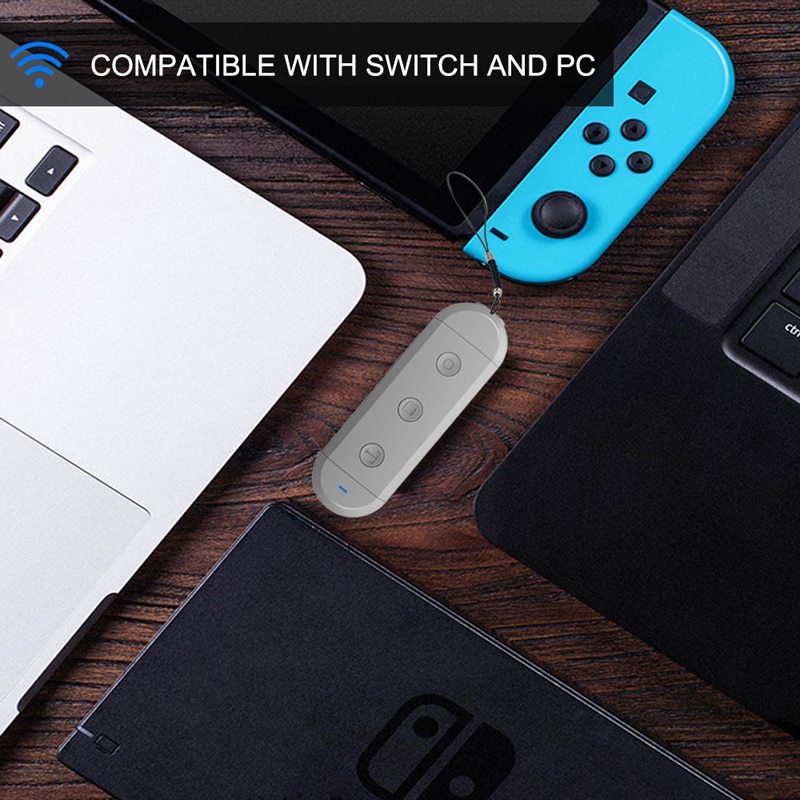
How to complete the first connection with PC
1.Connect your wired controller to the Adapter
2.Go into Widows device's Bluetooth settings,Enable Bluetooth Settings pair with [JYS SX Adapter]
3.Press and hold the [p] button on the side of Adapter,then press [HOME] Button on the Adapter
4.Adapter enter into Pair Mode,LED light should quickly flash
5.LED will become solid when connection is successful
How to wake up your controller on PC
1.Turn on your PC and Enable PC's Bluetooth Settings
2.Connect your wired controller to the Adapter
3.Press and Hold the [HOME] Button on the Adapter for 3 seconds
4.Adapter enter into Pair Mode ,LED light should quickly flash
5. LED will become solid when connection is successful
Details:
Package included:
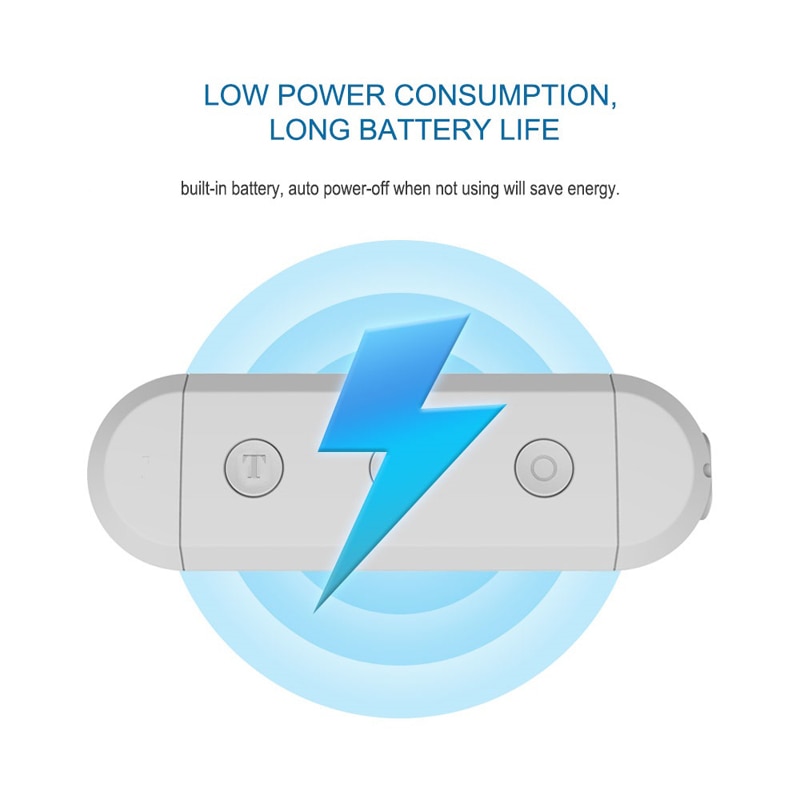
1 x Wireless Adapter
1 x USB Charging Cable
1 x Instruction





Thanks for subscribing!
This email has been registered!
| Product | SKU | Description | Collection | Availability | Product type | Other details |
|---|
Take 20% off your first order
Enter the code below at checkout to get 20% off your first order